
Set up your clinic and add your first patient in Klinaa
Enter clinic details and working hours before registering patients and booking appointments.
Before you start
Use the clinic owner account and have the clinic details, provider hours and any patient import file ready.
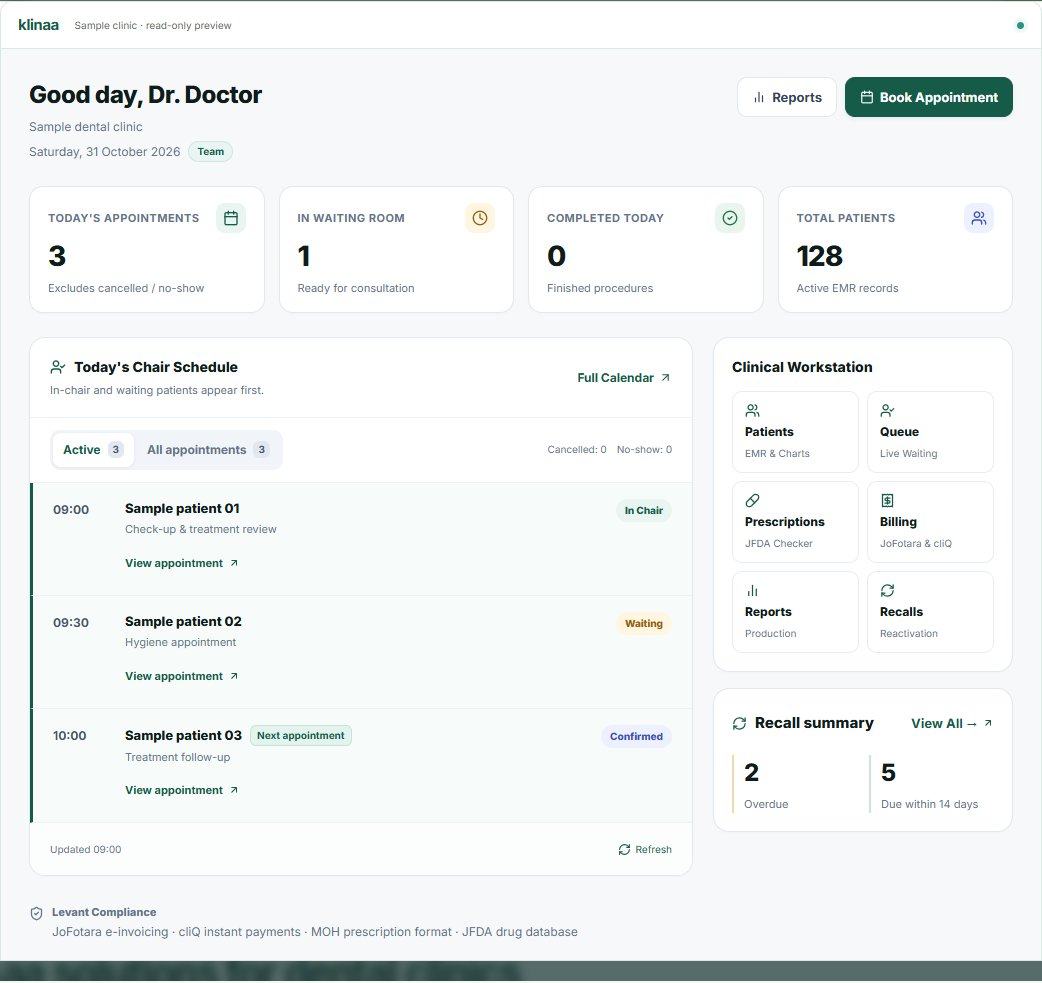
Steps
Set clinic details
Open Settings and review the clinic name, country and time zone. Use the clinic’s actual country to identify applicable integrations.
Prepare scheduling
Review opening hours, services and their durations, then check provider hours and chairs used for booking.
Add the first record
Open Patients. Create one record to check the fields, or open the import workflow and review the preview before committing. For international numbers, include the country code.
Check the result
Open the patient from the Patients list and confirm the expected provider and hours appear in the schedule.
If something goes wrong
For an unavailable time, check clinic hours, provider hours and service duration. For rejected import rows, correct the previewed issues before retrying.